The Best Assistive Technology for Deaf and Hard of Hearing People in 2026
A situation-based guide to assistive technology for deaf and hard of hearing people, from hearing aids and loops to captioning glasses, for 2026.
By AirCaps Team · Published 2026-11-10 · 10 min read
Understanding the Landscape First
For Noisy Environments and Group Conversations
For Public Venues: Theaters, Airports, Classrooms
For Phone Calls, TV, and Media
For Classrooms and Work Meetings
For Home Safety and Everyday Alerts
Where Captioning Glasses Fit
Comparing the Main Categories
How to Choose
Frequently Asked Questions
Can I use captioning glasses with hearing aids or a cochlear implant?
What's the difference between a hearing loop and Auracast?
Do I need a smartphone for captioning glasses to work?
Are OTC hearing aids as good as prescription hearing aids?

Guides
The Best Assistive Technology for Deaf and Hard of Hearing People in 2026
AirCaps Team
·
November 10, 2026
·
10 min read
On this page
Table of Contents
▼
There is no single best piece of assistive technology for deaf and hard of hearing people. There is only the technology that fits your specific situation, your hearing, and how you already communicate.
A hearing loop that works beautifully in a theater does nothing for you at a noisy dinner table. A hearing aid that handles quiet conversation well can struggle the moment a restaurant fills up. More than 50 million Americans have some degree of hearing loss, making it the third most common chronic physical condition in the country, according to the Hearing Loss Association of America. Globally, over 430 million people need some form of hearing rehabilitation, per the World Health Organization's 2026 fact sheet.
That's a lot of different ears, situations, and preferences. This guide skips the device catalog and instead starts from where you actually need help: restaurants, theaters, meetings, phone calls, classrooms, and home.
Understanding the Landscape First
Assistive technology for hearing loss generally falls into a few buckets, and it helps to know which one you're looking at.
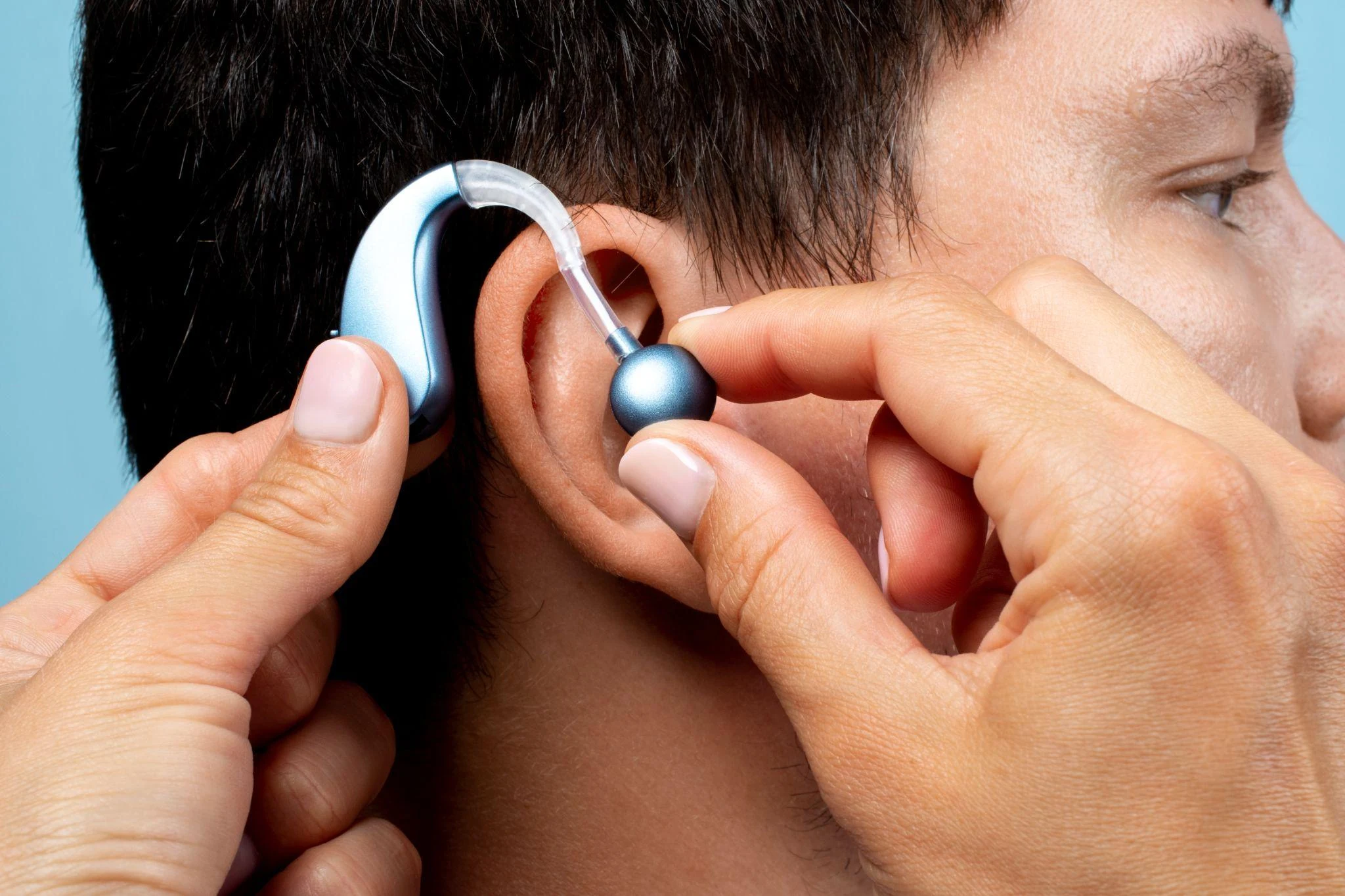
Medical devices amplify or restore sound directly. Hearing aids and cochlear implants fall here.
Assistive listening devices (ALDs) improve sound transmission in specific settings, like a classroom or theater. Hearing loops, FM systems, and infrared systems are the main types, according to the NIDCD.
Visual and text-based technology doesn't touch sound at all. It converts speech into something you can read, or turns an event into something you can see. Captioning apps, captioned phones, real-time captioning glasses, and visual alerting devices all live here.
Most people end up combining tools from more than one bucket, not picking a single winner.
For Noisy Environments and Group Conversations
This is where amplification alone tends to run out of road. Hearing aids make everything louder, including the noise around you, which is exactly why a crowded restaurant is harder than a quiet office even with good devices.
A few things actually help here:
- Remote microphone systems, which put a small mic near the person talking and stream it directly to your hearing aid or cochlear implant, cutting distance and some background noise.
- Real-time captioning glasses, which convert speech to text using onboard microphones, so you're reading the conversation instead of straining to hear it over the noise.
- Captioning apps on your phone, which do something similar but require looking down at a screen instead of at the person talking.
Captioning glasses solve a specific piece of this puzzle: multi-microphone arrays that use beamforming can isolate the person facing you from the noise around you, since the display doesn't care how loud the room is the way an amplifier does. AirCaps, for instance, uses a 4-microphone beamforming array built for this exact scenario. That's one approach among several, and it works differently than turning up the volume.
For Public Venues: Theaters, Airports, Classrooms
Large spaces have their own dedicated assistive listening infrastructure, and it's worth knowing what to look for.
Hearing loop (induction loop) systems transmit sound as an electromagnetic signal that a telecoil, built into many hearing aids and cochlear implants, picks up directly. This cuts out most competing background noise, per the NIDCD. Look for the blue "T" loop symbol at the venue entrance.
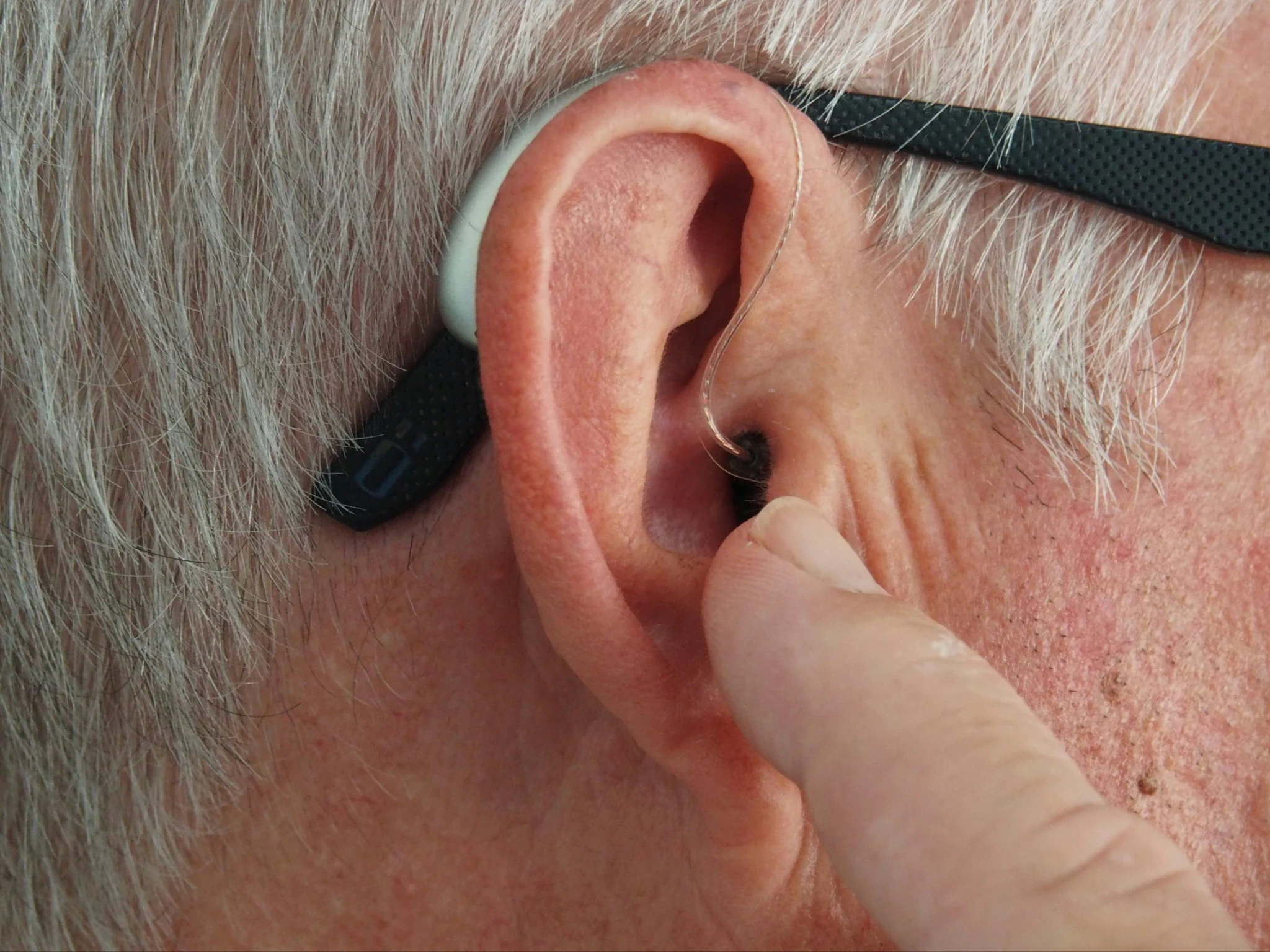
FM systems use radio signals and can transmit up to 300 feet, making them common in classrooms, where the instructor wears a small microphone.
Infrared systems can't pass through walls, which makes them useful in courtrooms and other spaces where signal privacy matters, but they don't work well outdoors or in bright light.
Auracast, a newer Bluetooth LE Audio broadcast standard, is starting to appear in some venues and is designed to eventually work more like a loop system without requiring a physical loop of wire. Adoption is growing but still uneven, and existing loop, FM, and infrared systems are expected to coexist with Auracast for years while a formal international standard is finalized, expected by late 2027, according to HLAA.
In venues without any of this infrastructure, or where you want backup, captioning glasses work independently of whatever the building has installed.
For Phone Calls, TV, and Media
Bluetooth streaming from your phone or TV directly to your hearing aids is now standard on many devices, cutting out room noise and distance from the speaker entirely. Captioned telephones display a real-time transcript of the other person's words as a backup to what you hear, useful for phone calls where hearing aids alone don't give you full confidence. For TV, closed captions remain the simplest and most universal option, built into essentially every modern television and streaming service.
For Classrooms and Work Meetings
FM systems remain a classroom standard, especially for students who need to follow one instructor's voice over classroom chatter. In professional settings, real-time captioning apps and services (sometimes called CART, for Communication Access Realtime Translation) provide a live transcript of a meeting or lecture, often displayed on a shared screen.
Some captioning glasses extend this further with built-in meeting features like automatic notes and speaker labeling for group discussions, useful when several people are talking and you need to track who said what, not just what was said.
For Home Safety and Everyday Alerts
None of the above helps if you can't hear a smoke alarm at 3 a.m. Visual alerting devices connect to doorbells, phones, and alarms, and respond with a flashing light or vibration instead of a sound. Portable versions can alert you from any room in the house, and some baby monitors go a step further, analyzing a baby's cry and lighting up an icon for hungry, tired, or upset, per the NIDCD.
Where Captioning Glasses Fit
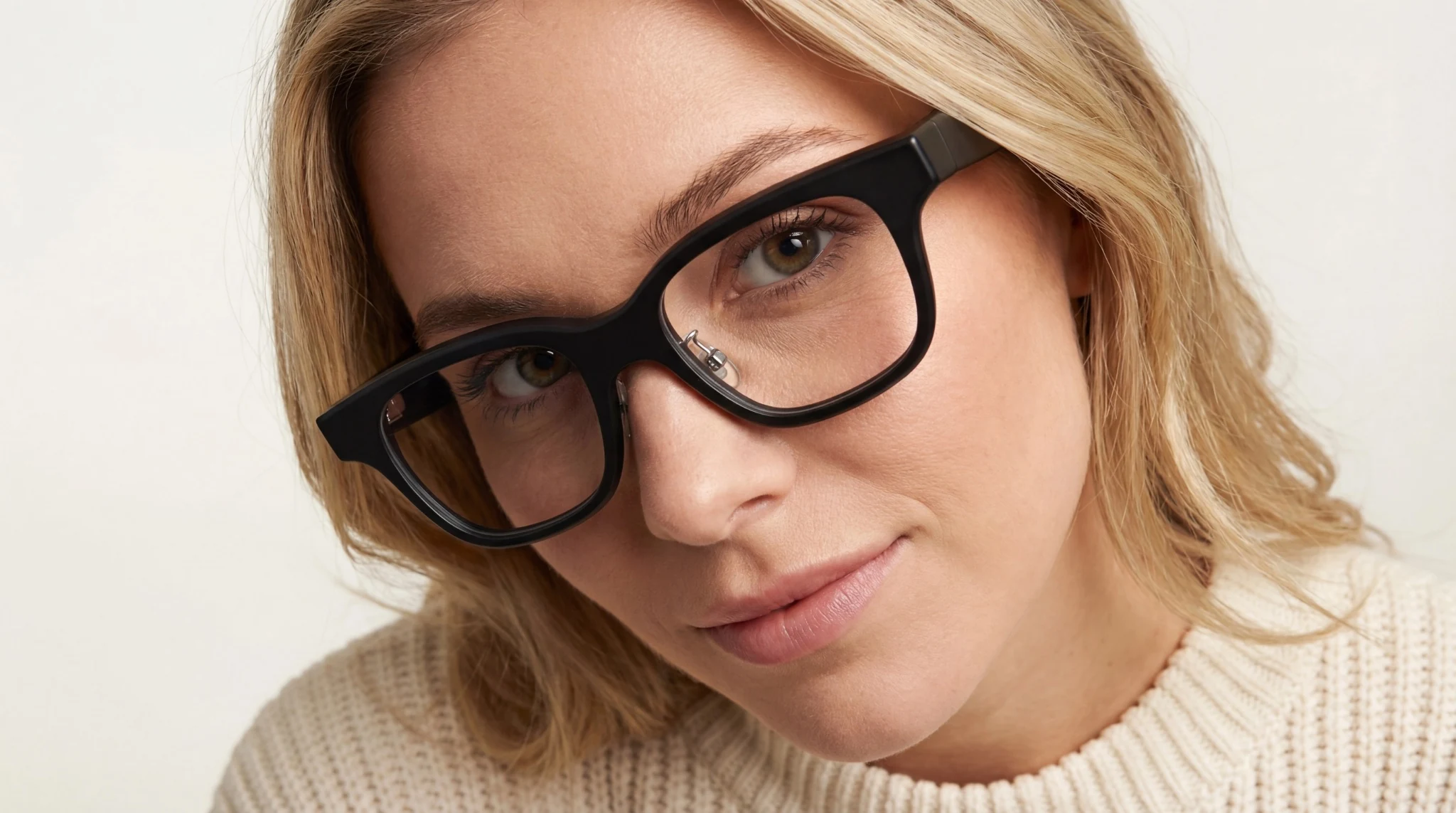
Captioning glasses are a relatively new category: smart glasses with a small display built into the lens that shows a real-time transcript of speech happening around you, using onboard microphones and AI speech recognition.
They don't amplify sound. They convert it to text. That's a meaningfully different approach than a hearing aid, and it's why the two aren't really competing for the same job.
Where they tend to help most:
- Noisy group settings, where amplification struggles but a visual transcript doesn't care about the background noise level.
- Meetings and lectures, especially when a company's own transcription or notes feature is built in.
- Travel and multilingual situations, where some models add real-time translation on top of captioning.
Where they're limited: they typically need a paired smartphone to work, battery life runs a matter of hours rather than days, and they add a piece of hardware to wear on top of anything you already use. They also don't replace hearing aids, cochlear implants, ASL, or an interpreter. Many people use captioning glasses alongside a hearing aid or implant rather than instead of one, since the two solve different parts of the same problem.
AirCaps is one product in this category, priced at $599, weighing 49 grams, and built around a 4-microphone beamforming array with a stated 97% caption accuracy and roughly 300ms latency, according to the company's own specifications. Its free tier includes unlimited captions in 9 languages with no subscription required, while a $20 monthly Pro tier adds 60+ language translation and meeting features. It's classified for HSA/FSA purchase in the US. XanderGlasses takes a different approach: a standalone device that works without any phone at all, priced at $2,999 for the current XanderGlasses II kit, and approved by VA Audiology in September 2024 as an intervention for qualifying veterans, according to Xander's own site.
For a deeper side-by-side of captioning glasses against hearing aids specifically, including cost and accuracy in noise, see our full comparison guide. For how the underlying speech-to-text technology actually works, see how captioning glasses work.
Comparing the Main Categories
| Technology | Best for | Where it helps | Key limitation |
|---|---|---|---|
| Hearing aids (prescription) | Everyday hearing, mild to profound loss | All-day wear, quiet to moderate noise | Struggles in loud, crowded settings; $2,000-$7,000+ per pair, private pay |
| OTC hearing aids | Perceived mild-to-moderate loss, self-fit | Lower cost entry point | Not for severe loss or under-18 users, per NIDCD; average paid around $502 per pair |
| Hearing loop / telecoil | Theaters, places of worship, looped venues | Clear signal direct to hearing aid or implant | Only works in looped venues; needs a telecoil |
| FM system | Classrooms, one-on-one conversations | Signal travels up to 300 feet | Can leak between rooms; needs a receiver |
| Infrared system | Courtrooms, confidential settings | Signal-private, doesn't pass through walls | Fails outdoors or in bright light |
| Auracast (Bluetooth LE) | Emerging venue broadcast | No physical loop needed; multiple channels | Still early rollout; full standard not expected until late 2027 |
| Real-time captioning apps | Meetings, lectures, phone calls | Portable, works almost anywhere with a screen | Requires looking down at a device |
| Captioning glasses | Noisy groups, meetings, travel | Visual transcript unaffected by room noise | Needs a phone (for most models); battery lasts hours |
| Visual/vibrating alert devices | Home safety, doorbells, alarms | Works while sleeping or in another room | Doesn't help with live conversation |
How to Choose
Start with where you actually struggle most. If it's restaurants and group settings, look at remote microphones or captioning glasses before anything else. If it's a specific venue you visit often, like your place of worship or a local theater, ask if it has a hearing loop or Auracast system and get the right telecoil setup. If it's classroom or meeting audio, an FM system or a captioning app might solve it outright.
Budget matters too. OTC hearing aids opened up a genuinely lower-cost entry point after the FDA's 2022 rule change, while prescription devices bundle in professional fitting and follow-up care that OTC and online options skip, per the NIDCD. HSA and FSA funds can typically be used across hearing aids, cochlear implant accessories, and some captioning devices, so check your plan before assuming something is out of reach.
Finally, don't assume you have to pick one. Plenty of people wear hearing aids for daily use and add captioning glasses for restaurants, or use a telecoil-equipped hearing aid alongside a phone captioning app for calls. The goal is comprehension in the moment, not brand loyalty to one device.
Frequently Asked Questions
Can I use captioning glasses with hearing aids or a cochlear implant?
Generally yes. They solve different problems (amplification versus visual text), and many users wear both, using hearing aids for ambient sound and captions for noisy or fast-moving conversations.
What's the difference between a hearing loop and Auracast?
A hearing loop uses electromagnetic induction picked up by a telecoil. Auracast uses Bluetooth LE Audio to broadcast to compatible receivers. Both aim to deliver a clean signal directly to your device, but Auracast is newer and still rolling out venue by venue.
Do I need a smartphone for captioning glasses to work?
Most current models do, since the phone typically handles the speech processing. A small number of standalone devices, like XanderGlasses, work without a paired phone at all.
Are OTC hearing aids as good as prescription hearing aids?
They're designed for a different group: adults with perceived mild to moderate hearing loss who don't need professional fitting. For more severe loss, a prescription device fitted by an audiologist remains the better option, per the NIDCD.
This article is for informational purposes and is not a substitute for professional medical or audiological advice.
On this page
Table of Contents
▼
Written by
AirCaps Team
AirCaps
Building smart glasses with real-time captions, 60+ language translation, and AI meeting intelligence for the Deaf and Hard of Hearing community and professionals worldwide.
Related Articles

Guides
How Real-Time Captioning Helps in Noisy Restaurants, Meetings, and Group Conversations
How real-time captioning helps in noisy restaurants, meetings, and group conversations - and what actually affects caption accuracy, from microphones to beamforming.
AirCaps Team
·
Oct 30, 2026
·
15 min read
Guides
Can You Use Caption Glasses With Hearing Aids or Cochlear Implants?
Can you wear caption glasses with hearing aids or cochlear implants? Here's what's electronically and physically compatible, by device type.
AirCaps Team
·
Oct 21, 2026
·
12 min read

Guides
Caption Glasses vs. Hearing Aids: What's the Difference?
Hearing aids amplify sound; caption glasses show real-time text. Learn how they differ, where each excels, and whether you might benefit from both.
AirCaps Team
·
Sep 17, 2026
·
9 min read
© 2025 AirCaps. All rights reserved.