How Do Captioning Glasses Work? A Guide to Real-Time Captions
How do captioning glasses turn speech into text you can read? A plain-language walkthrough of microphones, AI transcription, latency, and displays.
By AirCaps Team · Published 2026-09-09 · 13 min read
What Are Captioning Glasses?
The Actual Process: Speech to Screen
1. Microphones pick up the speech
2. The audio becomes text
3. The words get formatted into captions
4. The text reaches the display
5. You read the conversation as it happens
Why Latency Is the Number That Actually Matters
How Accurate Are Captioning Glasses, Really?
Noise Is the Real Test
Do You Need a Phone or Internet Connection?
Captioning Glasses and Hearing Aids: Working Together
Captioning vs. Translation: Not the Same Job
What Happens to the Conversation Afterward?
Captions on Glasses vs. Captions on a Phone
What This Means for Choosing a Pair
How AirCaps Approaches This
The Bottom Line

Guides
How Do Captioning Glasses Work? A Guide to Real-Time Captions

AirCaps Team
·
September 9, 2026
·
13 min read
On this page
Table of Contents
▼
Someone across the table says something. Half a second later, you're reading it on your lens. That's the whole trick of captioning glasses, and it's a genuinely interesting one once you break it down: sound has to become text, and that text has to land in front of your eyes fast enough that it still feels like a conversation and not a delayed voicemail.
This isn't a buying guide. It's an answer to a more basic question: what's actually happening, technically, between someone opening their mouth and you reading their words?
What Are Captioning Glasses?
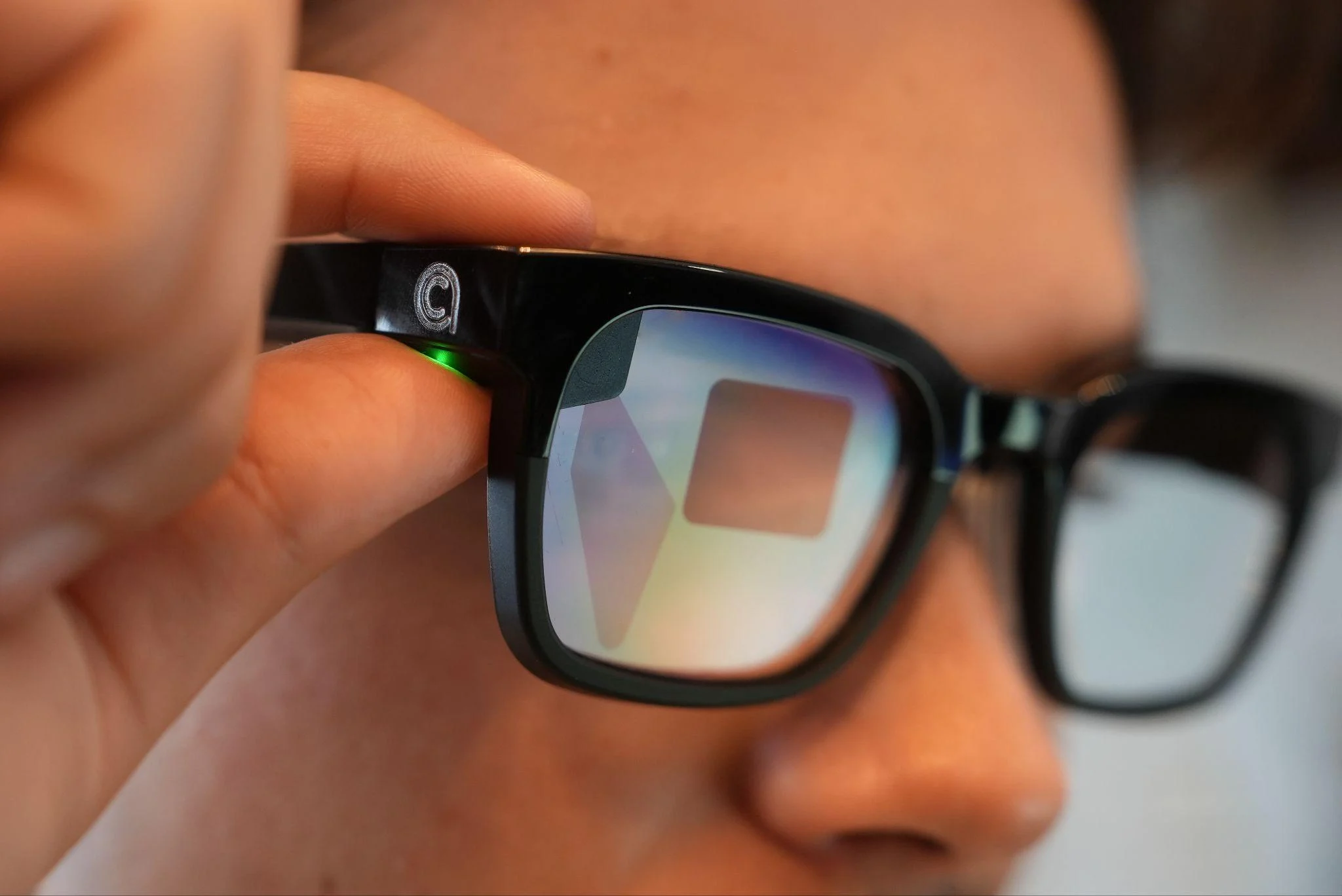
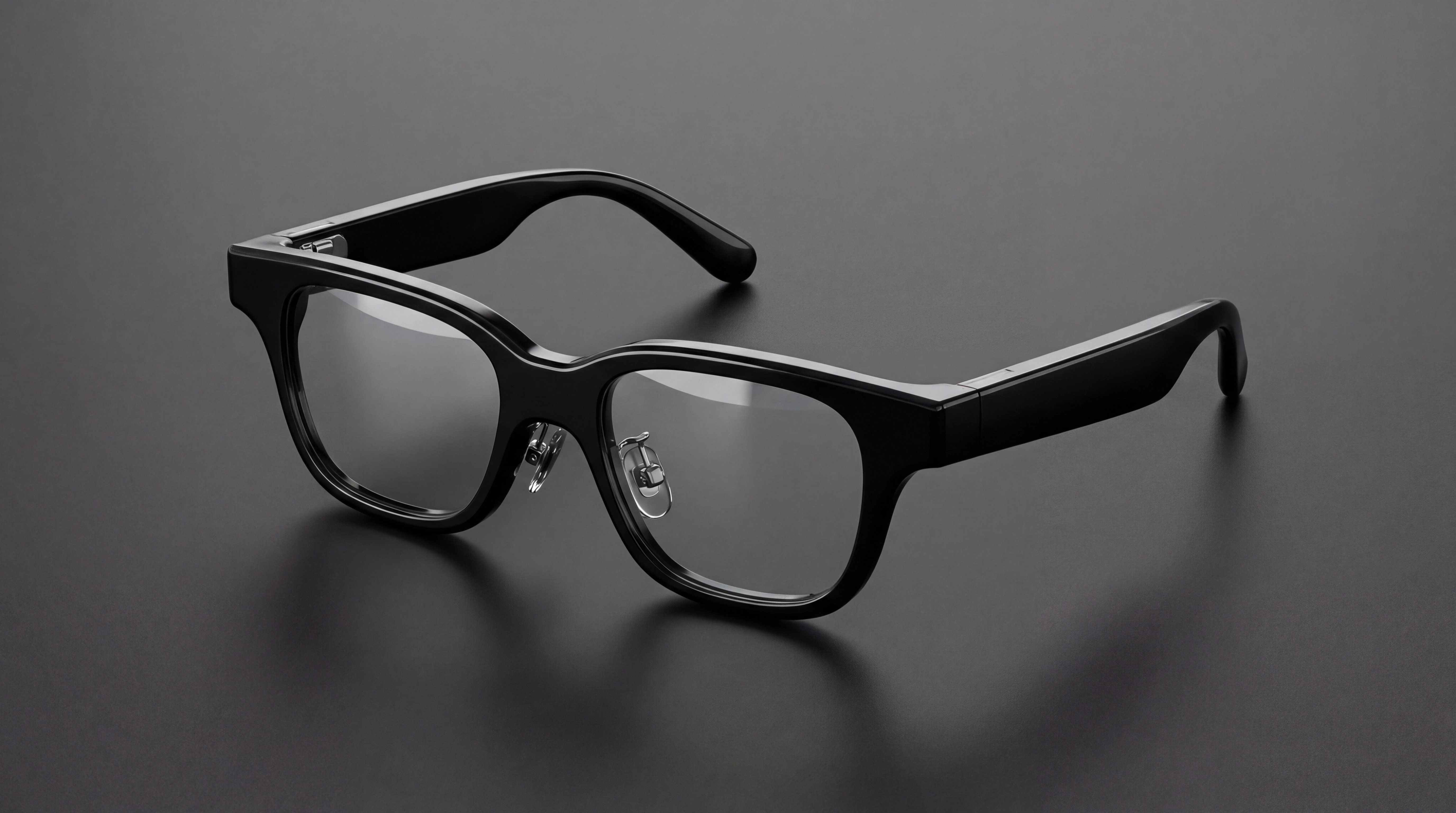
Captioning glasses are regular-looking eyewear with a small display built into the lens and a microphone (or several) built into the frame. When someone talks, the glasses pick up the sound, turn it into text using speech recognition, and show that text where you're already looking.
They're used by people who are deaf, people who are hard of hearing, people managing age-related hearing loss, and plenty of people who hear fine most of the time but lose the thread in loud rooms. Family members often research them on behalf of a parent or partner. None of that means the glasses replace hearing aids, cochlear implants, ASL, or an interpreter. They're a separate tool that happens to be useful in a lot of the same situations — sometimes instead, more often alongside.
The Actual Process: Speech to Screen
Here's the chain of events, in order, for a fairly ordinary moment: you're at a coffee shop, and a friend says something to you.
1. Microphones pick up the speech
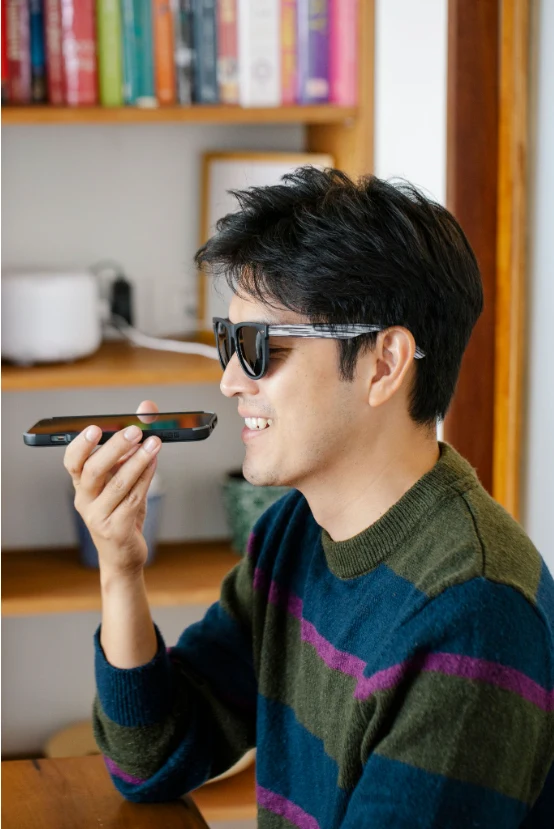
The glasses have microphones built into the frame — one is enough to capture something, but most useful captioning glasses use several, positioned to work together rather than independently. Why does the number matter? A single microphone hears everything in front of it with equal weight: your friend's voice, the espresso machine, the table behind you having their own conversation. Multiple microphones can be combined electronically to create something closer to a "beam" pointed at whoever's facing you, which pulls their voice forward and pushes the rest of the room back. This technique is called beamforming, and it's less about adding more hardware for its own sake and more about giving the next step — the actual transcription — a cleaner signal to work with. Current captioning glasses on the market vary here, with published mic counts ranging from two to four; AirCaps uses a four-microphone beamforming array for this part of the process.
2. The audio becomes text
This is the part people usually picture as "AI," and it is, but it's worth being specific about what that means. Speech recognition software listens to the audio and predicts, sound by sound and word by word, what was most likely said. Modern systems are trained on enormous amounts of recorded speech, which is why they're generally good at handling different accents, speaking speeds, and voice types — though none of them are perfect, and some voices and speech patterns are still harder to transcribe accurately than others.
This step can happen in two places: on your phone, or in the cloud. Cloud processing sends the audio to more powerful servers and generally produces more accurate results, especially for less common languages, but it needs an internet connection to work. On-device (or offline) processing keeps everything local, which means it works without signal, but it's usually working with less computing power, so accuracy tends to dip. Most captioning glasses lean on a paired smartphone for at least part of this step.
3. The words get formatted into captions
Raw transcription isn't the same as readable captions. The system has to decide where to break lines, how long each caption stays visible, and how to keep pace with someone talking quickly without dumping a wall of text in front of you. This step happens fast — it has to, since it sits between transcription and display — but it's doing more than just relaying words. It's the difference between a caption you can actually read mid-sentence and one that scrolls past before you've finished the first half.
4. The text reaches the display
The formatted captions get sent to a small display built into the lens. This is usually done over Bluetooth from the phone to the glasses, though the exact path depends on the product. The display itself is typically a waveguide or micro-projector that puts text where you're already looking, without blocking your view of the room or the person talking to you. Only you can see it — to anyone else at the table, you're just wearing glasses.
5. You read the conversation as it happens
This is the part that's easy to skip over but is really the whole point. The captions show up close enough to real time, and close enough to your natural line of sight, that you can keep looking at the person talking to you instead of down at a screen. That's a meaningfully different experience than glancing at a phone, and it's the reason the display and the timing matter as much as the transcription accuracy itself.

Why Latency Is the Number That Actually Matters
Latency is the gap between someone finishing a word and that word showing up as text. It's usually measured in milliseconds, and it sounds like a small technical detail until you're in a fast conversation and the captions are visibly behind.
Here's what that gap does in practice. If it's short — a few hundred milliseconds — reading the caption feels roughly like following along, the way subtitles do on a well-timed video. If it's long, you end up reading what someone said several seconds after they've moved on to their next sentence, which means you're always catching up rather than participating. That's exhausting in a one-on-one chat and close to unusable in a group conversation, a classroom, or a meeting where several people are talking in sequence.
AirCaps targets around 300ms of latency, which is designed to keep captions close enough to real time that you're not lagging behind the room. That number reflects typical conditions rather than a guarantee for every situation — audio processing speed can shift depending on the environment and connection.

How Accurate Are Captioning Glasses, Really?
Accuracy gets talked about as a single percentage, but it's really a moving target that depends on conditions. A system that performs beautifully in a quiet living room with one person speaking clearly can behave very differently at a birthday dinner with six people talking over each other.
A few things push accuracy up or down: how clearly someone speaks, whether they have an unfamiliar accent to the system, how much background noise is competing with their voice, whether multiple people are talking at once, and whether the topic involves names or specialized terms the system hasn't seen much of. None of these are flaws exactly — they're the same challenges a person would have following an unfamiliar conversation in a noisy room, just measured differently.
Published accuracy claims across the category span roughly the mid-80s to upper-90s percent, and that range itself is a clue: a wider gap usually means the claim was measured under different conditions, not that one system's underlying technology is dramatically better than another's. AirCaps is built for up to 97% accuracy in testing, measured in noisy environments rather than a quiet room. That's a strong number, and it's also worth reading precisely: "up to" means best-case conditions, not a promise that every word in every environment will land exactly right. Any company that quotes a flat accuracy number without saying what conditions it was measured under is leaving out the part that actually matters to you day to day.
Noise Is the Real Test

Quiet rooms are not where most people actually need captioning glasses. Restaurants, family gatherings, classrooms, and offices all have competing sound, and that's exactly where the microphone setup described earlier starts to matter more than any other spec.
A single microphone can't tell the difference between the person facing you and the table next to you — it just hears sound. A beamforming array, by combining input from several microphones, can weight the direction you're facing more heavily than the noise around it. It's not magic and it's not noise cancellation in the way headphones do it; it's closer to giving the system a head start on figuring out which voice actually matters to you right now. That head start is a big part of why some captioning glasses hold up in a loud room and others fall apart.
Do You Need a Phone or Internet Connection?
This varies by product, and it's worth understanding before you're relying on a pair of glasses somewhere with bad signal. Most captioning glasses pair with a smartphone over Bluetooth and use that phone's internet connection to reach cloud-based speech recognition, since cloud processing tends to be more accurate. Some products also offer on-device processing as a fallback, usually with a trade-off in accuracy or language support. There's also a meaningful difference in how that fallback gets triggered: some products switch to offline processing automatically when the connection drops, while others require you to switch modes manually, which isn't much help if you don't realize your signal is gone until the captions already have.
What this means practically: if you're traveling somewhere with unreliable data, standing in a basement with no signal, or your phone battery dies, check what happens to your captions, and whether that handoff is automatic or something you have to manage yourself. A product that quietly degrades to on-device processing is a very different experience than one that stops working entirely.
Captioning Glasses and Hearing Aids: Working Together
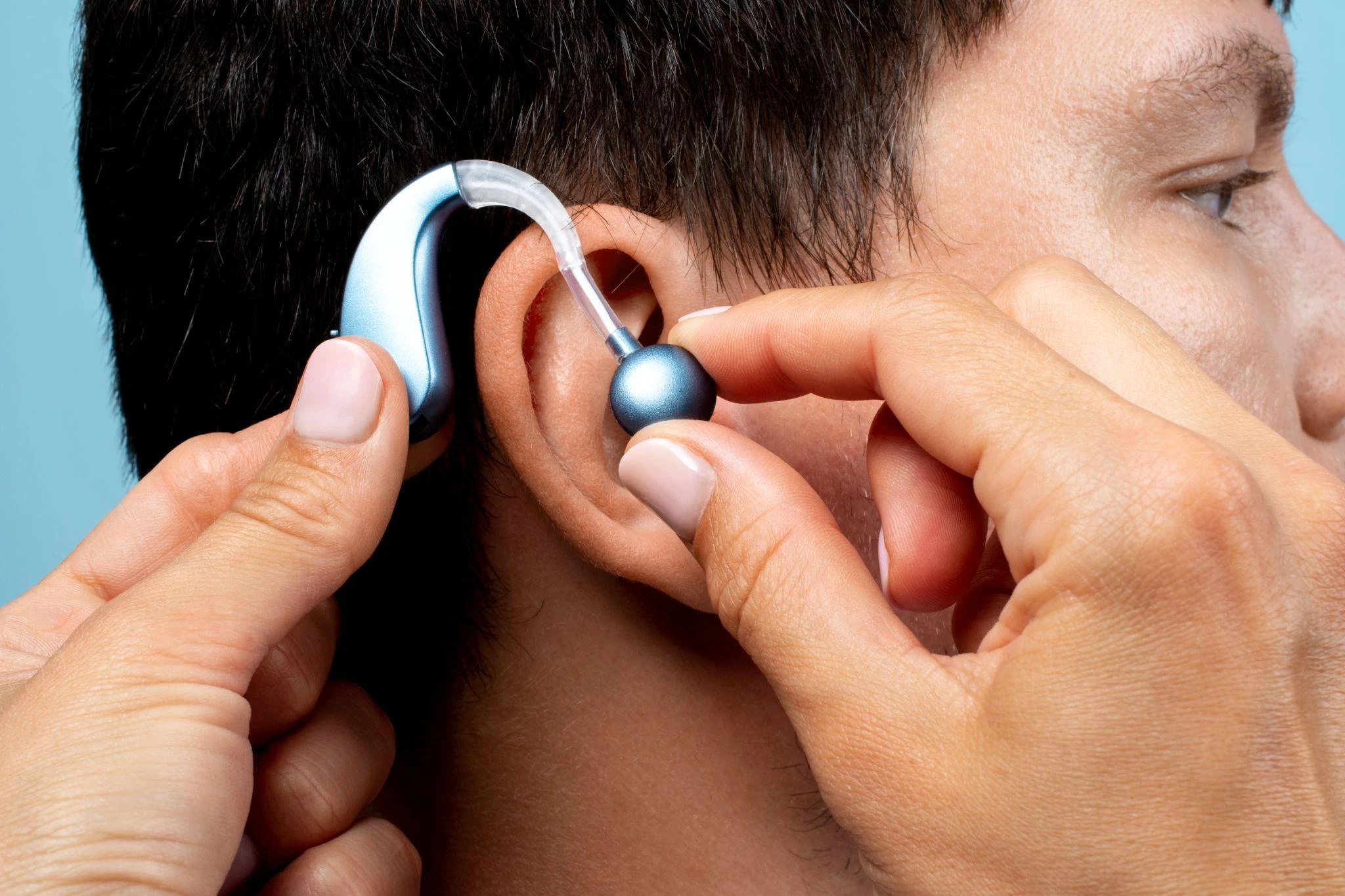
Hearing aids amplify sound. Captioning glasses convert speech into text. Those are different jobs, which is why the two work well as a pair rather than as competitors. Someone with hearing aids might still lose words in a noisy restaurant or a fast-moving meeting — the aids are doing what they're built for, amplifying, but amplification alone doesn't sort speech from noise the way visual captions can. The same logic applies for cochlear implant users. Adding captions doesn't ask anyone to give up a device that's already working for them; it fills the specific gaps where amplification runs out of road.
AirCaps is built to be worn alongside hearing aids and cochlear implants rather than in place of them.
Captioning vs. Translation: Not the Same Job
It's easy to lump these together since they both put text in front of your eyes, but they're solving different problems. Captioning takes spoken words and turns them into readable text in the same language. Translation takes speech in one language and converts it into text in a different one. A product can do one without the other, and doing translation well doesn't automatically mean captioning is equally strong, since the two rely on different parts of the underlying speech system.
AirCaps supports both — real-time captioning, plus instant translation across 60+ languages — but they're worth evaluating separately if translation matters to your specific situation, rather than assuming one guarantees the other. If translation is the main reason you're looking at captioning glasses, it's worth reading about how translation accuracy varies by language pair before you buy, since not every language performs the same.
What Happens to the Conversation Afterward?
If a pair of glasses is listening in order to caption, it's fair to ask what happens to that audio next: whether it's processed and discarded, stored somewhere, or used for anything beyond generating your captions. This is a reasonable question to ask any manufacturer directly, and a vague or evasive answer is itself worth paying attention to.
Captions on Glasses vs. Captions on a Phone
Phone captioning apps exist and work reasonably well, so it's fair to ask why glasses instead. The difference isn't really about accuracy — it's about where your attention goes. Reading captions on a phone means looking down, away from the person talking to you, which breaks eye contact and can make conversations feel more like reading a transcript than having a chat. It also means holding or setting down a phone, which isn't always practical standing up, walking, or in a group.
Glasses keep the text roughly where your eyes already are, so you can read and maintain eye contact closer to how a hearing conversation naturally flows. The trade-offs run the other way too — battery life, connectivity, and comfort over long wear all matter more for something on your face than something in your hand. Neither format is universally better; they suit different situations and different people.
What This Means for Choosing a Pair
Once you understand the mechanics — microphones, processing, latency, display — the buying questions get a lot more specific than "do they have captions." Worth asking about: real-world accuracy, not just lab conditions; actual latency in milliseconds; how many microphones and whether they use beamforming; whether the display is comfortable for hours, not minutes; what happens without internet; and whether the core features work without a recurring subscription.
If you're at the stage of comparing specific products, this is the point where a fuller buyer's guide to captioning glasses is more useful than a technical explainer — it gets into pricing, side-by-side comparisons, and what to look for feature by feature.
How AirCaps Approaches This
AirCaps runs the same basic pipeline described above, built around a private binocular display, meaning captions show in both lenses rather than straining one eye over a long day. It uses a four-microphone beamforming array for the sound-capture step, targets around 300ms latency, and is built for up to 97% caption accuracy in testing. Translation covers 60+ languages, and there's also meeting transcription and AI meeting intelligence for group settings. The glasses support prescription lenses, are built to work alongside hearing aids and cochlear implants, and are HSA/FSA eligible at $599, with no mandatory subscription for the core captioning experience.
See how captioning works in practice, or how it handles real-time translation and meetings if those matter more to your situation.
AirCaps has been working on this specific problem for a while which WIRED covered as an early example of subtitles for real-world conversation.
The Bottom Line
Captioning glasses turn spoken words into text you can read in the moment, using microphones to capture speech, AI to transcribe it, and a display built into the lens to put it in front of your eyes. The technology sounds simple in outline and gets genuinely complicated in the details — how many microphones, how the system handles noise, how quickly text shows up, whether it needs a strong internet connection to work well. Those details are exactly what separate a pair of glasses you'll actually wear from one that ends up in a drawer. Understanding how the pipeline works, in plain terms, is the fastest way to ask the right questions before you buy.
On this page
Table of Contents
▼
Written by
AirCaps Team
AirCaps
Building smart glasses with real-time captions, 60+ language translation, and AI meeting intelligence for the Deaf and Hard of Hearing community and professionals worldwide.
Related Articles

Guides
How Captioning Glasses Work: The Technology Behind Real-Time Speech-to-Text
Captioning glasses use 4-mic beamforming, on-device AI speech recognition, and MicroLED waveguide displays to convert speech to text in 300ms. Learn exactly how each component works — from sound capture to captions on your lenses.

Nirbhay Narang
·
Apr 10, 2026
·
18 min read

Guides
Best Caption Glasses for Deaf and Hard-of-Hearing People: What to Look For
Comparing caption glasses for deaf and hard-of-hearing users? Here's what actually matters - accuracy, latency, display, battery, and more - before you buy.
AirCaps Team
·
Aug 27, 2026
·
12 min read
Guides
Can You Use Caption Glasses With Hearing Aids or Cochlear Implants?
Can you wear caption glasses with hearing aids or cochlear implants? Here's what's electronically and physically compatible, by device type.
AirCaps Team
·
Oct 21, 2026
·
12 min read
© 2025 AirCaps. All rights reserved.